Keep the friendship. Skip the math.
Settle the bill, not arguments.
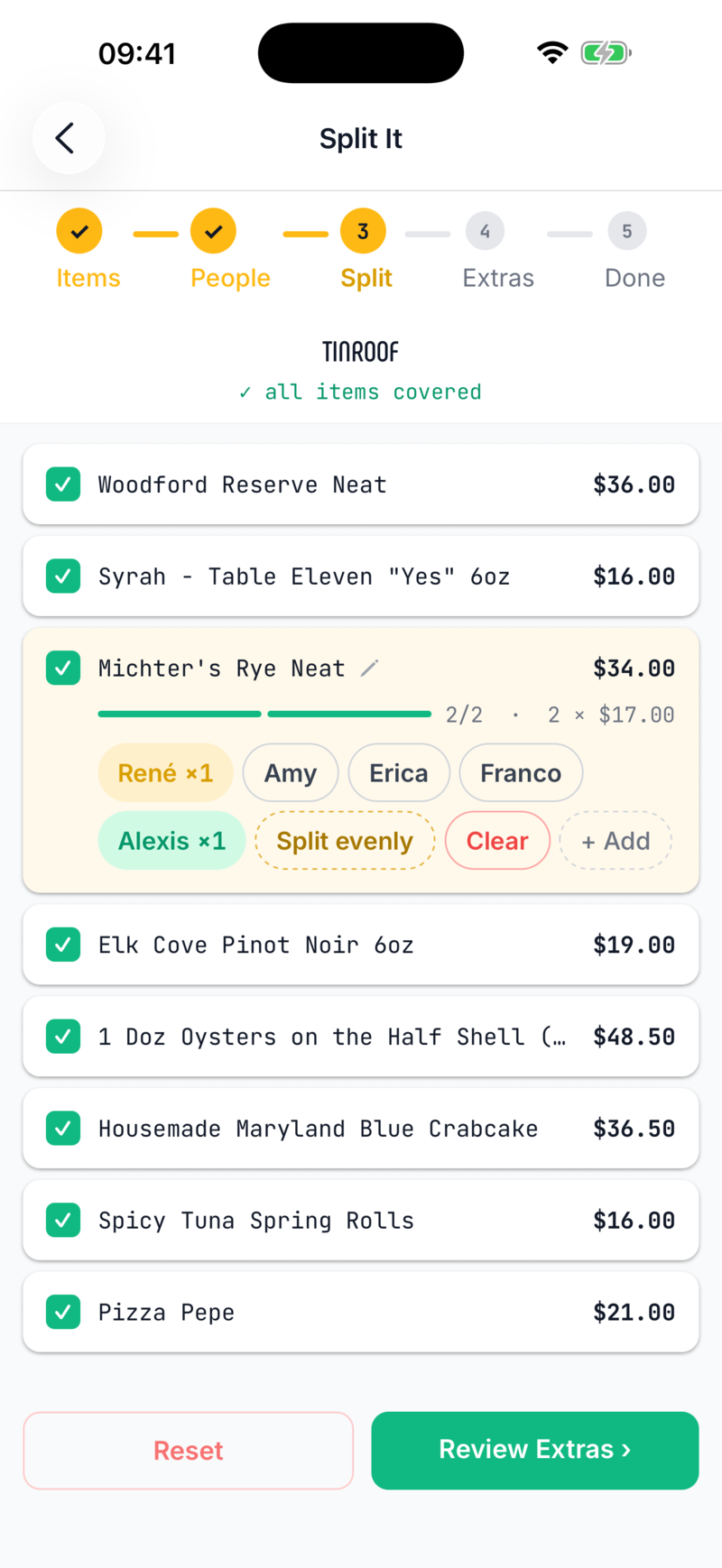
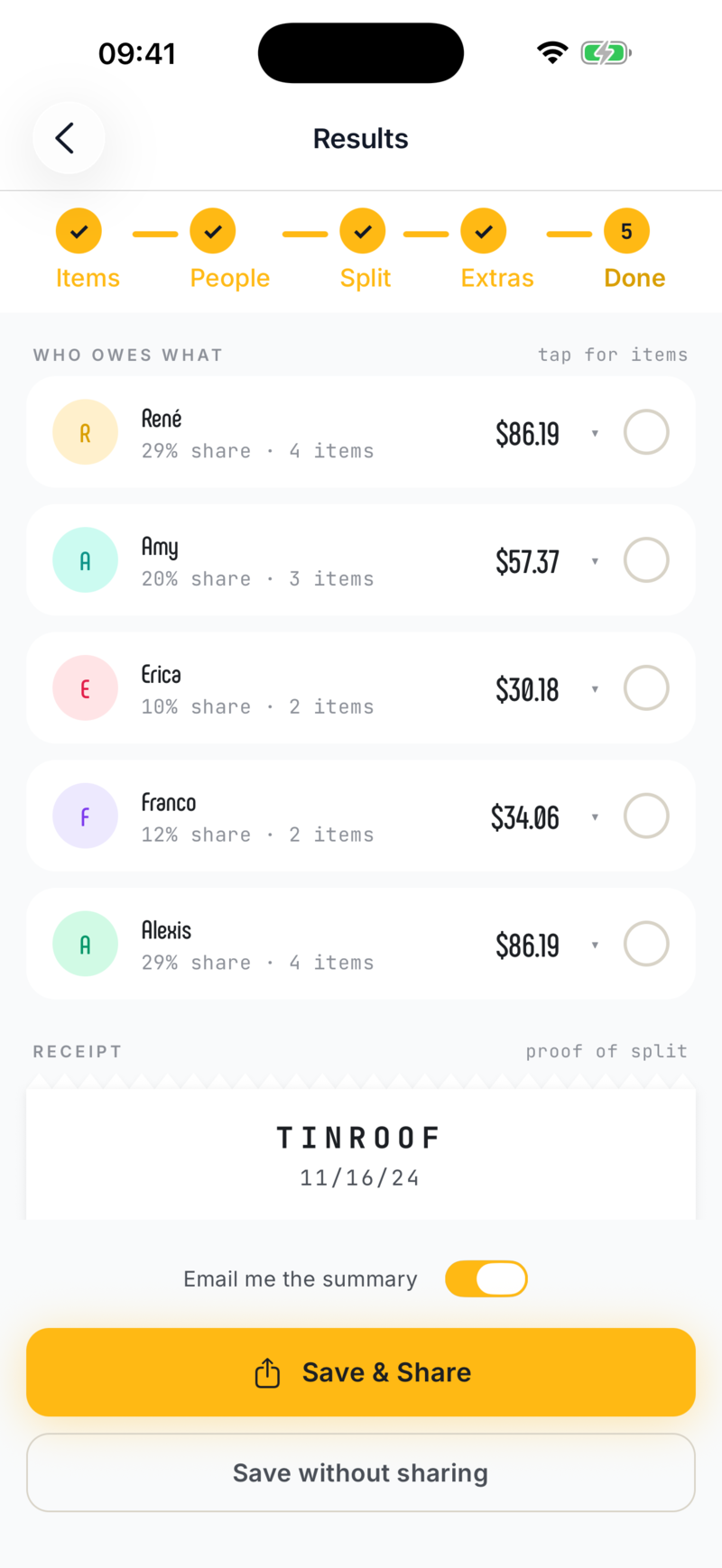
Snap a photo, edit the items, pick who had what. SplitterBot does the math and sends each person their share across web, iOS, and Android.


How it works
From photo to paid.
- Step 1
Snap a photo
Take a picture of the receipt, or upload one you already have. SplitterBot reads the items for you.
- Step 2
Edit and assign
Tweak any items the receipt scan missed, then tap each line to mark who had what. Shared items divide automatically.
- Step 3
Share the totals
Send everyone a link to their share, with Venmo, Cash App, or PayPal deep links so they can pay in one tap.
What people are saying
Loved by people who hate doing the math.
“Worked like a charm! I felt so smart, and I didn't have to do the math. My friends just got to enjoy their night. And $9.99 a year is cheaper than a drink. It makes splitting so easy.”
AGAngie G.
Night out with friends
“My friend in NorCal is using SplitterBot, and we just did it at lunch! My friend in Arizona used it too and said it was amazing.”
SESarah E.
Lunch with friends
“I've had some doozies to figure out, and so many people just don't understand math. SplitterBot saved us so much work!”
AWAutumn W.
Group organizer